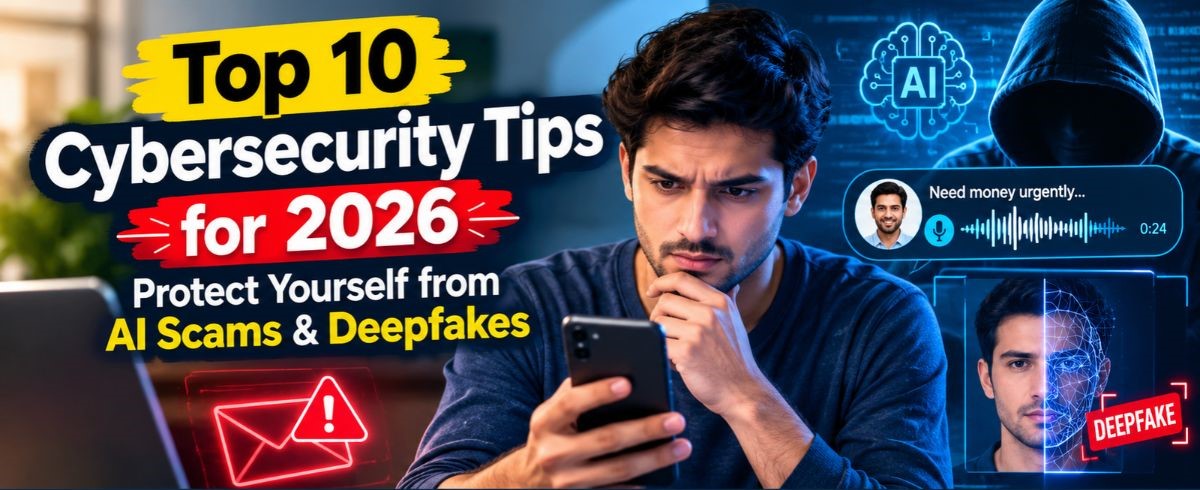
Imagine receiving an urgent voice message from your brother saying he lost his wallet while traveling and needs an emergency wire transfer right now. The voice sounds identical to his; every pause, inflection, and accent matches. You transfer the money, only to discover later that your real brother was safely at work all day. This isn’t a plot from a sci-fi movie. It is the modern reality of cybercrime.
Artificial intelligence has completely transformed the digital threat landscape. Attackers no longer rely solely on poorly written, obvious phishing emails. Today, criminals leverage generative AI tools to craft flawless phishing messages, clone voices using just seconds of recorded audio, and generate hyper-realistic deepfake videos to deceive unsuspecting individuals. Over 50% of adults encountered an AI-driven scam over the past year alone.
While AI technology makes cyber threats smarter, protecting yourself doesn’t require a computer science degree. By adopting a few foundational habits and understanding how AI scams work, you can build a strong defense around your digital life.
Here are the top 10 cybersecurity tips to keep you, your family, and your digital identity safe in 2026.
1. Establish a Family Safe Word for Voice Cloning Scams

Voice cloning technology allows scammers to copy anyone’s voice using a short clip harvested from social media videos, voice notes, or public speeches. Criminals then make distressed phone calls impersonating loved ones, claiming an arrest, accident, or financial emergency.
How to Stay Safe
- Establish an unguessable word or phrase known only to your immediate family members.
- If anyone calls claiming to be a family member in trouble and demands immediate money or sensitive information, ask for the safe word.
- If the caller makes excuses or refuses to give the word, hang up immediately. Call your relative directly using their saved phone number.
2. Never Rely on Video Calls Alone to Verify Identity

Deepfake video technology can superimpose one person’s face onto another in real time during live video calls. Scammers use live deepfakes to impersonate company executives, remote co-workers, or trusted acquaintances to authorize money transfers or steal account credentials.
Key Red Flags to Watch For
- Unnatural-looking blinking, stiff lip synchronization, or distorted edges around the chin and hairline.
- Shadows that do not shift naturally when the person moves their head.
- If a video call feels suspicious, ask the person to turn their head slowly to the side. Most real-time deepfake filters glitch or drop when encountering a full side profile.
3. Treat Urgency and Pressure as Immediate Red Flags

The common denominator across almost every AI-powered scam is artificial urgency. Whether it is an email claiming your bank account will be frozen in 15 minutes or a text insisting a package cannot be delivered, scammers rely on panic so you react before thinking.
How to Maintain Control
- Scammers count on emotional overwhelm. Step back from the situation for two minutes.
- Never click a link or call a phone number included inside an urgent email or text message.
- Open your browser, navigate directly to the official website of the company in question, and log into your account to check for legitimate notifications.
4. Move Beyond Traditional Passwords to Passkeys and Hardware Keys
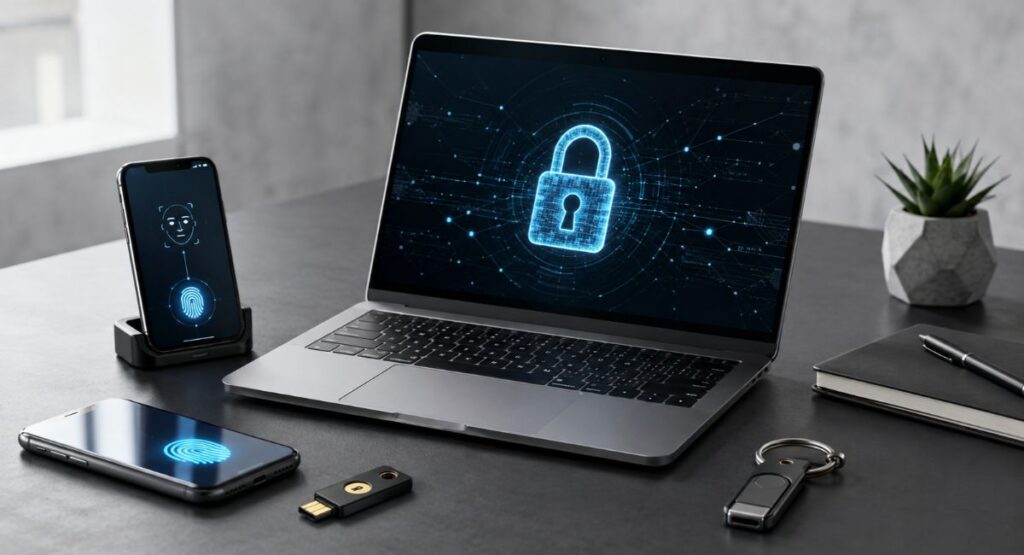
Traditional passwords, even long ones, are increasingly vulnerable to AI-automated brute-force attacks and credential-stealing malware. Transitioning to modern authentication methods significantly reduces your attack surface.
Upgrading Your Login Defense
| Authentication Type | Security Level | Convenience | Ideal Use Case |
| Traditional Password | Low | High | Basic, non-sensitive local profiles |
| Password + SMS 2FA | Moderate | High | General online accounts |
| Passkeys (Biometric) | High | Very High | Primary accounts (Google, Apple, Microsoft) |
| Physical Security Key (YubiKey) | Maximum | Moderate | Financial institutions, primary email accounts |
- Adopt Passkeys
Passkeys use public-key cryptography tied to your physical device (smartphone or computer) and unlocked via fingerprint or facial recognition. They are inherently immune to phishing because there is no typed password for a fake site to steal.
- Use Hardware Security Keys
For critical accounts like main email addresses and financial portals, plug-in security keys offer physical protection that remote attackers cannot bypass.
5. Beware of Hyper-Personalized Spear-Phishing Emails
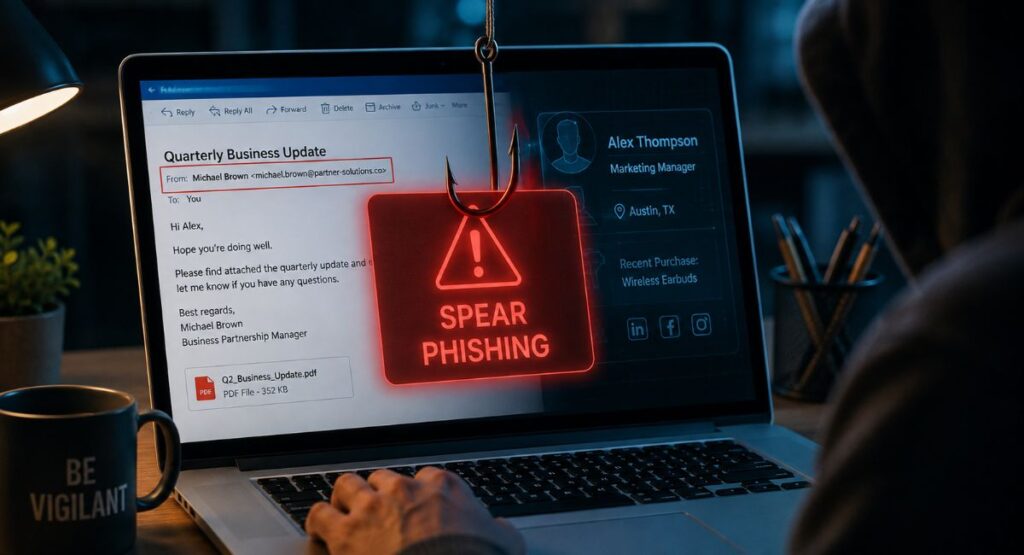
Historically, scam emails were easy to spot due to bad grammar, bizarre formatting, and generic greetings like Dear Customer. AI language tools have eliminated those visual cues. Attackers now pull public data from your social media profiles to compose context-aware emails tailored to your job title, recent purchases, or local area.
How to Spot AI-Generated Phishing
- Inspect the actual email address, not just the display name.
- Avoid opening PDF invoices, ZIP files, or office documents attached to emails you were not explicitly expecting.
- Hover your mouse cursor over any link to preview the target web address before opening it.
6. Audit Your Digital Footprint to Reduce AI Scraper Risk
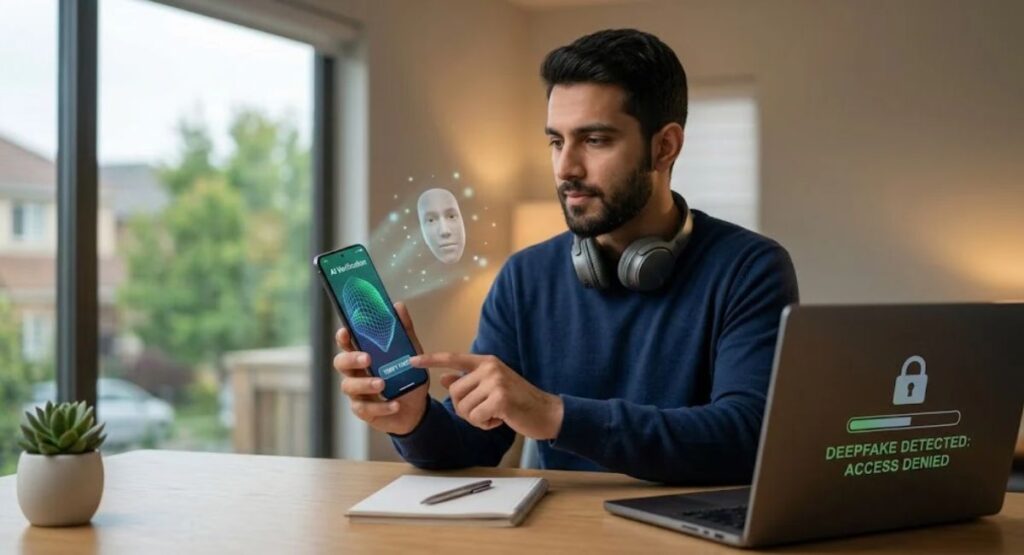
AI tools require training data. The more public photos, voice clips, and personal details you post online, the easier it becomes for scammers to synthesize your media or construct detailed profiles for social engineering attacks.
Steps to Clean Up Your Digital Footprint
- Lock Down Social Profiles
Set your social media accounts (Instagram, Facebook, TikTok) to Private so only confirmed friends can view your posts and media.
- Remove Public Phone Numbers and Addresses
Search your name on major search engines to see what public directories display your contact information, then submit removal requests.
- Be Selective with Audio Uploads
Avoid posting long, high-quality audio files or clear voice-only recordings publicly online if you don’t need to.
7. Secure Your Mobile Devices Against Infostealer Malware
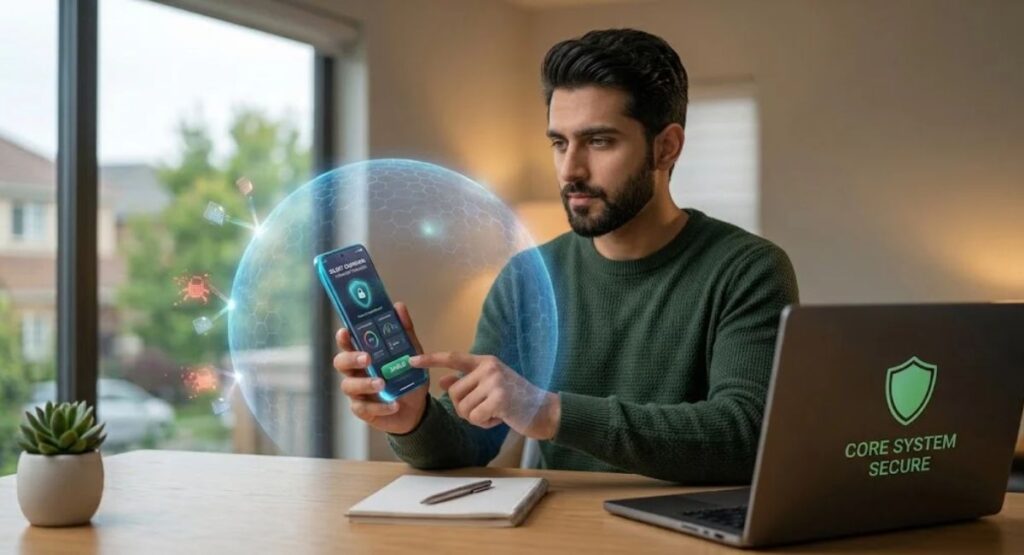
AI scams often aim to trick users into downloading malicious software known as infostealers. Once installed on a smartphone or laptop, infostealers run silently in the background, harvesting saved browser passwords, session cookies, and crypto wallet keys.
Protective Rules for Mobile & Desktop
- Download software exclusively from official application stores (Google Play Store, Apple App Store, Mac App Store, Microsoft Store).
- Do not install APK files or unverified apps from browser pop-ups or message links.
- Check which apps have access to your microphone, camera, contacts, and SMS messages. Revoke permissions for any app that doesn’t strictly need them to function.
8. Turn On Automatic Updates Across All Software

Software developers constantly patch security vulnerabilities that hackers attempt to exploit. Delaying operating system or browser updates leaves a door open for automated malware toolkits.
Essential Update Checklist
- Enable automatic system updates on Windows, macOS, iOS, and Android.
- Ensure Chrome, Edge, Safari, or Firefox auto-update on launch. Browsers are the primary gateway for web-based AI exploits.
- Log into your home Wi-Fi router’s admin panel and turn on automatic firmware updates to protect your local network perimeter.
9. Use AI Security Tools to Defend Against AI Threats

While malicious actors exploit AI, security researchers also use machine learning to build real-time protective technologies. Modern antivirus solutions and browser extensions use predictive AI to analyze suspicious web page behavior, detect deepfake audio patterns, and instantly block malicious sites.
Recommended Security Features to Activate
- Turn on Enhanced Safe Browsing in Google Chrome or equivalent settings in your browser of choice to catch dangerous sites before they render.
- Ensure your security software includes behavioral monitoring rather than relying solely on outdated signature databases.
- Utilize email providers that employ server-side AI filtering to quarantine advanced phishing attempts before they land in your inbox.
10. Follow the Zero Trust Mindset for Financial Transactions
The core philosophy of modern cybersecurity is simple: Never Trust, Always Verify. This mindset is especially crucial for any online or phone interaction involving money, wire transfers, gift cards, or sensitive data disclosures.
Implementing Zero Trust Daily
- No Financial Action on Inbound Contact
Never transfer money, purchase gift cards, or share account details based on an incoming call, email, or text, no matter who claims to be reaching out.
- Independent Verification
Always initiate contact yourself using a confirmed, trusted phone number found on the back of your credit card, official paper statement, or official domain.
- Report Suspicious Incidents
If you encounter a deepfake scam or phishing attack, report it to your bank and relevant consumer protection agencies immediately to protect others.
Conclusion
Artificial intelligence has permanently altered how cybercriminals operate. The emergence of voice cloning, automated spear-phishing, and real-time deepfakes means we can no longer trust our eyes and ears alone when interacting digitally.
However, staying safe online does not require paranoia. By practicing basic digital hygiene, setting up family safe words, adopting passkeys, remaining skeptical of artificial urgency, and enforcing a Zero Trust rule for all financial transactions, you can enjoy the benefits of modern technology while keeping your personal information secure. Cybersecurity is an ongoing habit, not a one-time setup. Take action today to protect your digital future.