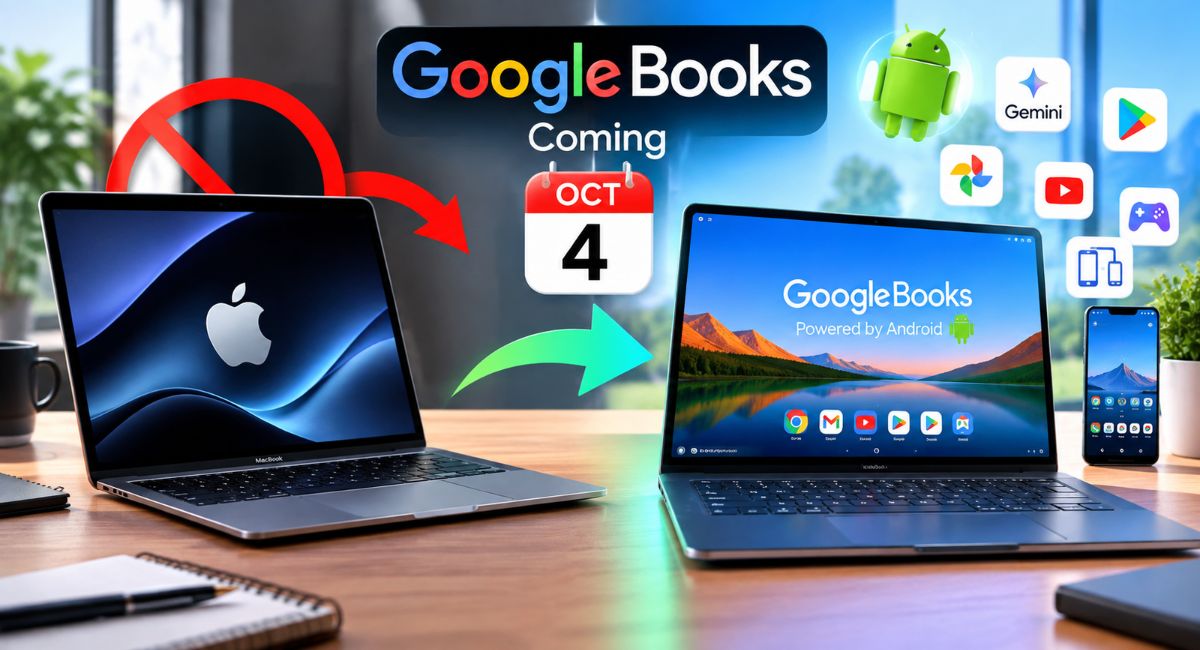
If you are currently shopping for a new laptop, you have likely looked at an Apple MacBook. Known for sleek aluminum designs, long battery life, and high performance, MacBooks have dominated the premium laptop market for years.
However, before you open your wallet and hand over $1,000 or more to Apple, you should know about a massive shift happening in personal computing.
On October 4, Google and major hardware partners like ASUS, Lenovo, Dell, HP, and Acer are officially launching GoogleBooks, an all-new category of laptops powered by Googlebook OS.
Combining the speed and security of desktop computing with the massive Android ecosystem, GoogleBooks bridge the gap between smartphones and traditional PCs. Running directly on the Android technology stack, these laptops are designed to handle everything from heavy mobile gaming to professional productivity, seamless phone pairing, and deep Google Gemini AI integration.
If you use an Android smartphone or want a laptop that works effortlessly with your favorite mobile apps, buying a MacBook right now might be a mistake.
Here are the 5 biggest reasons you should skip the MacBook and wait for GoogleBooks to arrive on October 4.
1. Native Access to the Entire Google Play Ecosystem
One of the biggest limitations of Apple’s macOS is app availability. While MacBooks support many professional desktop applications, they miss out on millions of popular mobile applications, games, and specialized utilities.
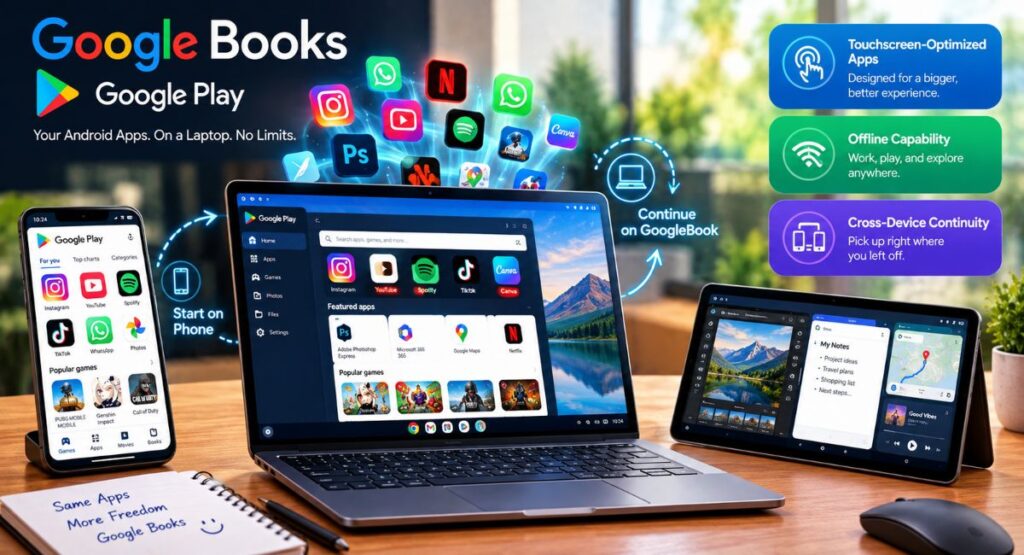
GoogleBooks changes this dynamic completely. Because Googlebook OS brings ChromeOS and the Android technology stack together into a unified platform, these laptops feature native, full-scale Android app support right out of the box.
Why Native Android App Support Beats macOS
- Touchscreen-Optimized Apps
Popular photo editors, vector illustration tools, digital planners, and social media apps run natively on high-resolution touchscreens without requiring glitchy emulators.
- Offline Capability
Mobile apps designed for offline media playback, offline reading, and travel maps work seamlessly on laptops.
- Cross-Device Continuity
Start editing a photo, drafting a document, or listening to a podcast on your Android phone, then pick up right where you left off on your GoogleBook without saving files to third-party cloud apps.
While Apple allows a handful of iPhone apps to run on MacBooks, the experience often feels awkward because desktop Mac screens lack touch capabilities. Google Books, on the other hand, is designed from the ground up for hybrid touch-and-keyboard interactions.
2. Unmatched Android Phone Integration and Ecosystem Sync
If you own an Android phone (like a Samsung Galaxy, Google Pixel, or Motorola), using a MacBook can feel like stepping into a fragmented world. Apple reserves its best continuity features like iMessage sync, AirDrop, AirPlay, and Universal Clipboard strictly for users who buy into the full Apple hardware ecosystem (iPhone + Mac).
GoogleBooks brings Apple-level ecosystem synergy to Android users without forcing you into an expensive closed garden.
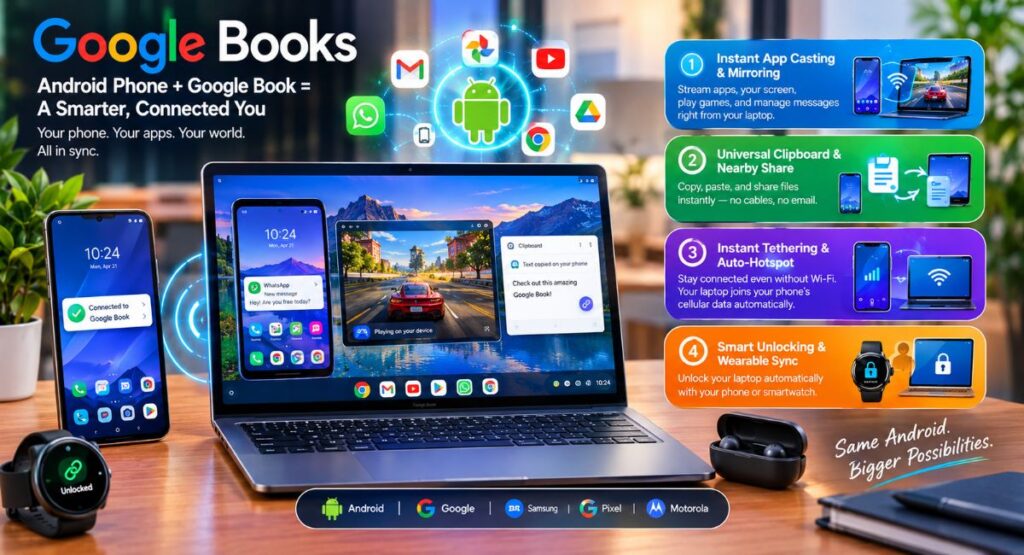
Key Ecosystem Features Coming October 4
- Instant App Casting & Mirroring
Stream individual apps or your entire phone screen directly to your GoogleBook with zero lag. You can respond to phone notifications, play phone-exclusive mobile games, or manage WhatsApp messages right on your laptop screen.
- Universal Clipboard & Nearby Share
Copy text, links, or images on your smartphone and instantly paste them into your laptop document. File sharing between your phone and laptop takes seconds without needing cables or email attachments.
- Instant Tethering & Auto-Hotspot
If your home Wi-Fi goes down, your Google Book automatically connects to your Android phone’s cellular data connection without requiring manual passwords or network searches.
- Smart Unlocking & Wearable Sync
Unlock your laptop automatically simply by sitting down in front of it while wearing your smartwatch or holding your paired phone.
For Android smartphone owners, pairing your mobile device with a Google Book provides a unified experience that a MacBook simply cannot replicate.
3. Next-Gen Google Gemini AI Integrated at the Operating System Level
Artificial intelligence is changing how we write, search, work, and create. While Apple has introduced Apple Intelligence features, many of those tools are limited to simple text rewrites, notification summaries, or basic photo editing.
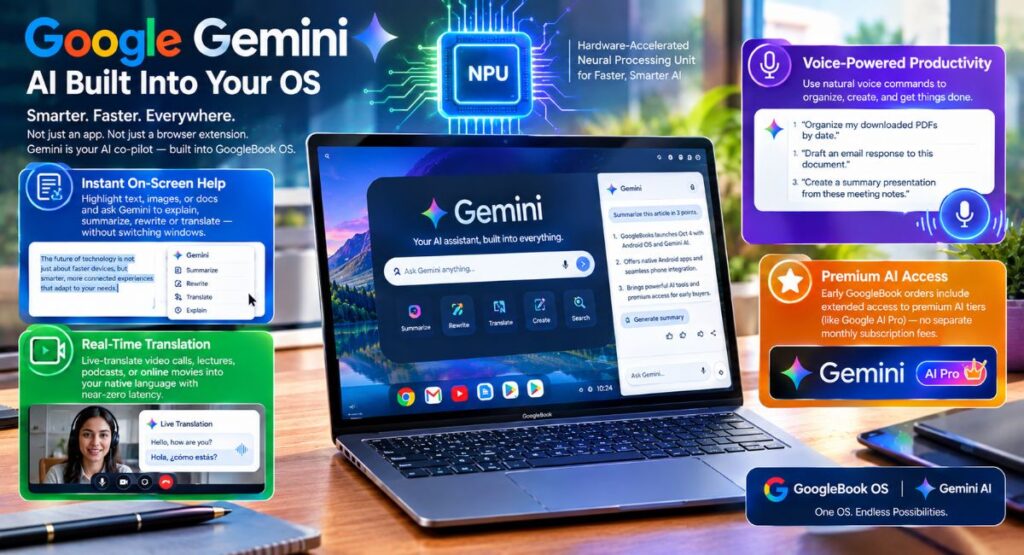
GoogleBooks is engineered around Google Gemini AI at the root OS level. Instead of treating AI as an added software overlay or web browser extension, Googlebook OS uses hardware-accelerated Neural Processing Units (NPUs) to make Gemini an active co-pilot across your entire desktop experience.
What OS-Level Gemini AI Means for Everyday Users
- Highlight any text, image, or document on your screen and ask Gemini to explain, summarize, rewrite, or translate it instantly without switching windows.
- Live-translate video calls, lectures, podcasts, or online movies into your native language with near-zero latency.
- Ask Gemini to perform complex tasks using plain voice commands such as Organize my downloaded PDFs by date, Draft an email response to this document, or Create a summary presentation from these meeting notes.
Plus, early GoogleBook orders include extended access to premium AI tiers (like Google AI Pro), giving you access to cutting-edge AI models without paying separate monthly subscription fees.
4. Superior Hardware Variety and Price-to-Performance Value
When buying an Apple MacBook, your choices are strictly limited. You must choose between a MacBook Air or a MacBook Pro, both of which start at high price points and charge steep upgrade fees for extra RAM or storage.
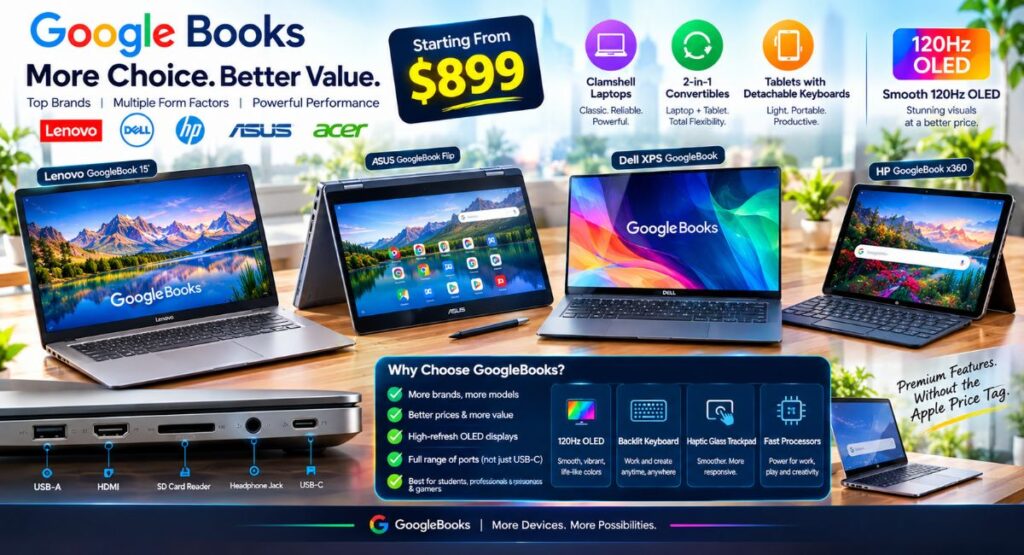
GoogleBooks breaks this mold by launching across a wide range of hardware manufacturers. Leading brands including Lenovo, Dell, HP, ASUS, and Acer are releasing GoogleBook models tailored to different user budgets, design preferences, and performance demands.
More Choice, Better Prices
Whether you need an ultra-budget student machine under $900 or a top-tier premium flagship like the Dell XPS Googlebook or Lenovo Googlebook 15, you get options Apple simply does not offer:
- Choose traditional clamshell designs, 2-in-1 convertible laptops with 360-degree hinges, or sleek tablets with detachable keyboards.
- Many Google Books ship with smooth 120Hz OLED screens at price points where Apple still offers basic 60Hz LCD panels.
- Enjoy built-in USB-A, HDMI, SD card readers, and headphone jacks alongside USB-C without carrying dongles everywhere you go.
Starting around $899, entry-level GoogleBook models deliver high-end designs, haptic glass trackpads, backlit keyboards, and fast processors for significantly less money than a comparable MacBook configuration.
5. Built for the Future: Light, Fast, and Secure Architecture
Traditional operating systems carry decades of legacy code and software bloat. That legacy code can result in background battery drain, slow system boot times, and complex software vulnerabilities.
Googlebook OS is built on a modern, lightweight architecture that prioritizes efficiency and cloud-native speed.
The Security and Performance Advantage
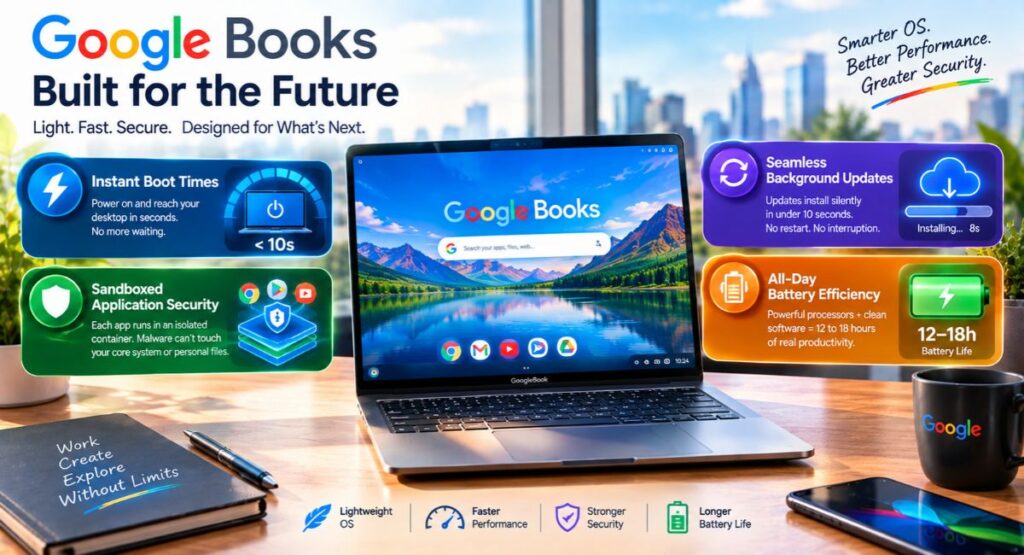
- Instant Boot Times
Google Books powers on and reaches your desktop in seconds, eliminating boot lag.
- Sandboxed Application Security
Every app runs in an isolated digital container. Even if you accidentally download a suspicious file or visit a malicious website, malware cannot infect the core operating system or steal your personal files.
- Seamless Background Updates
System updates install silently in the background in under 10 seconds without forcing you to restart your computer in the middle of a workday.
- All-Day Battery Efficiency
By pairing energy-efficient processors with a clean software stack, GoogleBooks offer battery life that easily matches or exceeds traditional laptops, giving you 12 to 18 hours of continuous productivity.
Apple MacBook vs. GoogleBook
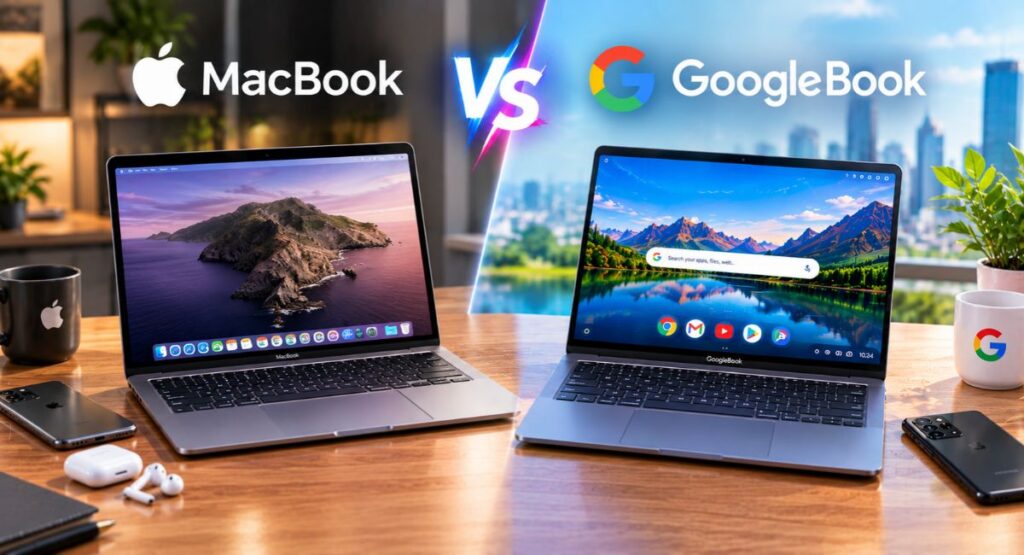
To help you decide which device fits your lifestyle, here is how a standard Apple MacBook compares to the upcoming GoogleBook lineup launching on October 4:
| Feature | Apple MacBook (macOS) | GoogleBook (Googlebook OS) |
| Official Release Date | Available Now | Launches October 4 |
| Android Phone Integration | Very Limited (Basic Bluetooth) | Native (App casting, shared clipboard, auto-sync) |
| App Ecosystem | macOS Desktop Apps + Select iOS Apps | Full Google Play Store + Web Apps + Linux Support |
| AI Integration | Apple Intelligence (Basic assistance) | Deep OS-Level Google Gemini AI |
| Touchscreen Support | No (Keyboard/Trackpad only) | Yes (Touchscreens & 2-in-1 convertibles standard) |
| Hardware Manufacturers | Apple Only | Lenovo, Dell, HP, ASUS, Acer |
| Starting Price | $999+ | $899+ (with promotional bundles) |
Conclusion
Buying a new laptop is a major financial investment. Purchasing an older or restricted platform days before a major hardware shift often leads to buyer’s remorse.
When Google Books launches on October 4, they introduce a new way to work, play, and create. With native Android app support, deep Google Gemini AI features, seamless smartphone pairing, and competitive pricing from top manufacturers, Android-powered laptops are poised to give Apple’s MacBook line serious competition.
If you rely on Android on your phone, value touchscreens and flexible hardware, or want advanced AI tools without paying a premium price tag, hold off on buying a MacBook. Wait a few days, try out a new Google Book at your local retailer, and see how the next generation of personal computing feels in your hands.