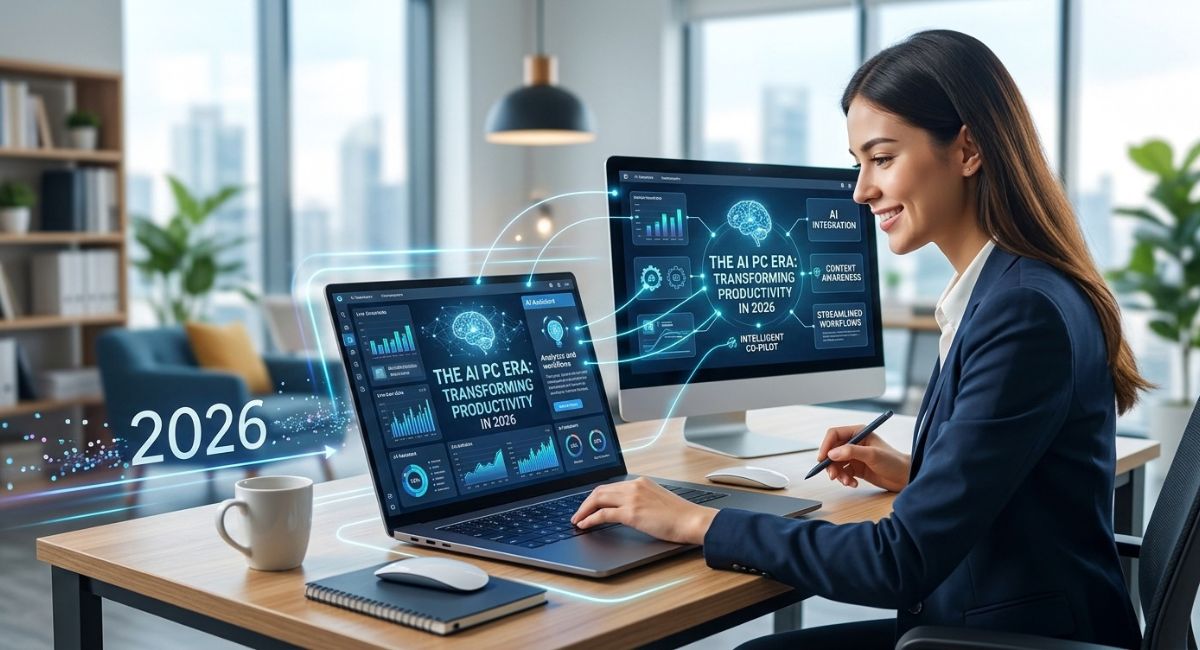
Remember when buying a new computer meant looking for a slightly faster processor, a bigger hard drive, or a sleeker chassis? For decades, upgrading your laptop or desktop felt like an incremental step forward.
That narrative has completely changed. In 2026, we are firmly living in the AI PC era, a turning point in personal computing as significant as the arrival of the high-speed internet or touchscreens.
Computers are no longer just passive machines waiting for typed commands; they have become active, intelligent co-pilots that understand context, anticipate needs, and streamline workflows. Whether you are a student drafting essays, a remote worker juggling back-to-back video calls, or a small business owner analyzing spreadsheets, modern AI-powered PCs are fundamentally redefining human productivity.
What Is an AI PC?
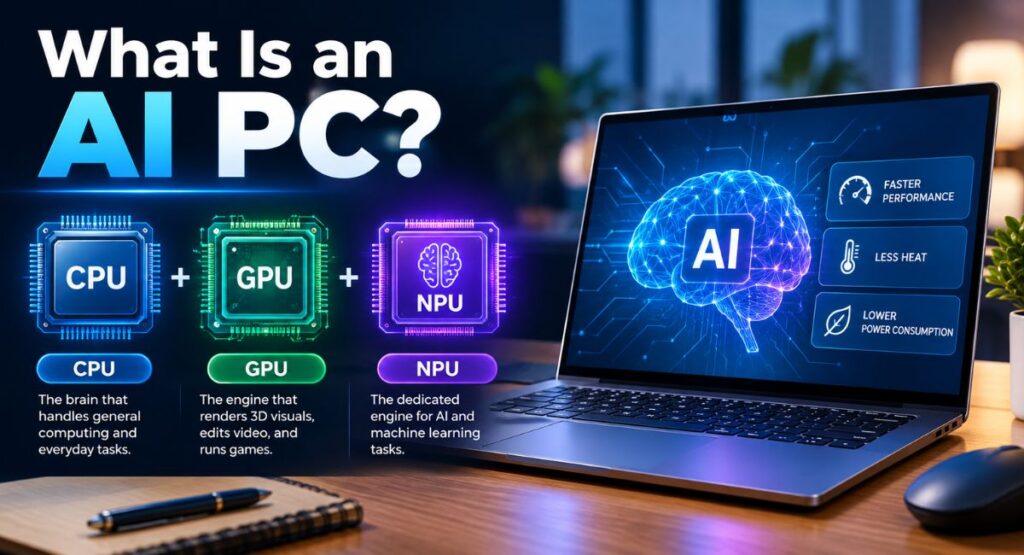
At first glance, an AI PC looks just like any traditional desktop or ultrabook. The real magic lies hidden inside the silicon.
Historically, computers relied on two primary engines:
- CPU (Central Processing Unit)
The brain that handles general computing and everyday tasks.
- GPU (Graphics Processing Unit)
The engine that renders 3D visuals, edits video, and runs games.
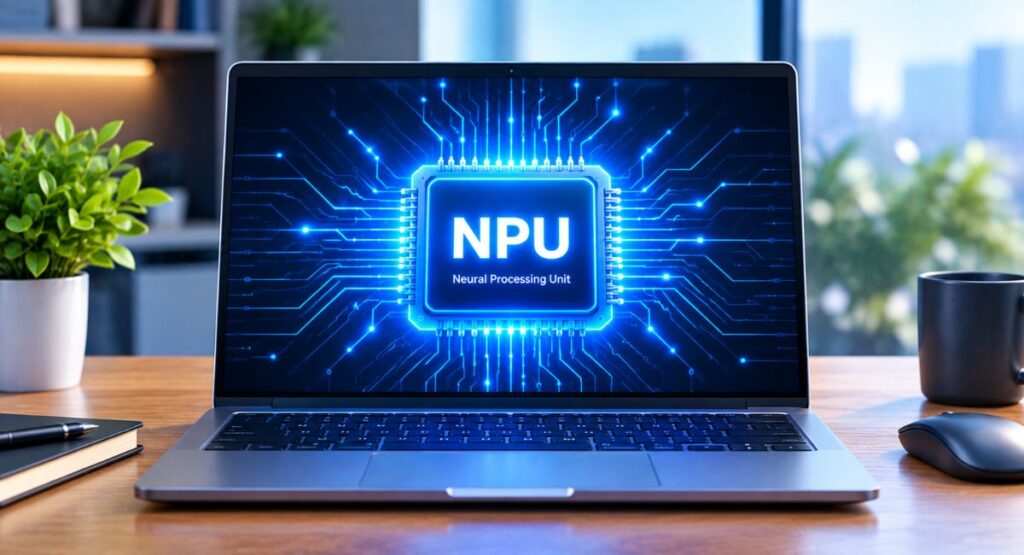
- NPU (Neural Processing Unit): An AI PC introduces a dedicated third engine.
The NPU is a specialized processor built specifically to handle complex artificial intelligence and machine learning tasks. By offloading heavy AI workloads away from the CPU and GPU, the system runs faster, generates less heat, and consumes less power.
Why 2026 Is the Turning Point: On-Device Processing
When artificial intelligence first exploded into consumer awareness, almost all of it ran in the cloud. You typed a prompt into a browser, your request traveled to a massive data center miles away, and the answer was sent back over the internet.
While useful, cloud AI has major drawbacks: latency, reliance on internet access, high subscription costs, and serious privacy concerns.
In 2026, the defining feature of AI PCs is on-device local AI processing. Modern processors deliver massive NPU performance (measured in TOPS, or Trillions of Operations Per Second), allowing complex AI software to run directly on your computer hardware without sending your data to remote servers.
Key Benefits of On-Device Local AI
- Responses happen in real time with zero internet lag.
- Summarize documents, translate languages, or generate graphics while on a flight or without Wi-Fi.
- Your sensitive financial records, private emails, and proprietary projects stay securely on your hard drive.
- NPUs run AI features at a fraction of the power legacy chips require, boosting laptop endurance.
How AI PCs Are Transforming Everyday Productivity
How does an AI PC actually save you time during a normal workday? Here are the core productivity features transforming workflows:
1. Contextual Search and Instant Retrieval
How often have you spent 20 minutes hunting for a file, an email, or a web page you saw weeks ago? AI PCs eliminate that search friction. Natural language search engines analyze system activity locally, allowing you to search by concepts rather than exact file names.
Example
Instead of guessing a document title, you can simply search: Find that PDF with the blue chart about Q3 marketing budgets I read last Tuesday. The system brings it up instantly.
2. Studio-Quality Video Conferencing
Remote work depends heavily on video calls, but bad lighting, background noise, and CPU lag frequently ruin virtual meetings.
AI PCs run camera and audio enhancements directly on the NPU:
- Mutes dog barks, construction noise, and keyboard clicks while keeping your voice clear.
- Adjusts your gaze on-screen so you always appear to be making direct eye contact with clients.
- Generates instant translated subtitles during international video meetings across dozens of languages, even offline.
3. Automated Administrative & Technical Friction
Instead of manually opening multiple tools to edit an image, format text, or transcribe a recording, system-level AI assistants sit directly inside your operational workflow.
- Highlight text or select an image on screen, and your PC automatically suggests the next logical action, such as removing an image background, summarizing a document, or drafting an email response.
- Generate design mockups, upscale low-resolution graphics, and edit media instantly without paid external cloud software.
Laptops vs. Desktops in the AI Era
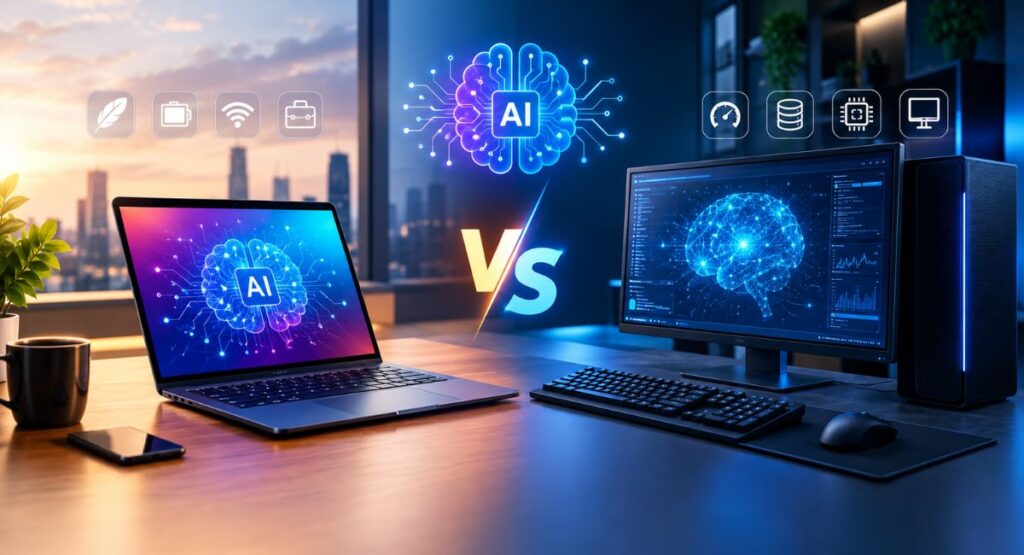
While both form factors benefit immensely from artificial intelligence, they cater to different user profiles:
AI Laptops: Mobile Powerhouses
For students, digital nomads, and hybrid workers, the AI laptop is a game-changer. The primary win here is unprecedented efficiency. Because the NPU handles AI background tasks without taxing the CPU, modern laptops achieve 18-22+ hours of real-world battery life while performing complex automation on the go.
AI Desktops: Uncapped Creation
For software developers, data scientists, and creative professionals, AI desktops combine NPU chips with high-end dedicated GPUs. This setup allows users to run massive local LLMs (Large Language Models), automate complex codebases, and render 3D environments locally without overheating or hitting performance bottlenecks.
What to Look for When Buying an AI PC
If you are shopping for a new computer, navigate the marketing noise by focusing on these essential hardware specs:
- NPU Performance (TOPS)
Look for a system with an NPU rated at 40 TOPS or higher. This is the baseline required to run modern system-level AI features locally.
- RAM (System Memory)
Do not settle for 8GB. Local AI models hold data in active memory, so 16GB of RAM is the absolute minimum, with 32GB being ideal for future-proofing.
- Dedicated OS Integration
Ensure the machine runs an operating system with native NPU support (such as Windows 11 version 24H2 or newer) to get full access to on-device features.
Conclusion
The AI PC era is not a future projection; it is the present reality of personal computing. By moving artificial intelligence from distant cloud servers directly onto desktop and laptop silicon, these modern machines eliminate daily friction, protect personal privacy, and restore hours of lost time to your week. Upgrading to an AI PC isn’t just about owning newer hardware; it is about equipping yourself with an intelligent digital assistant that works at your speed, wherever you are.